

Notification channels
Email
Urgent alerts right away, the rest in a digest: everyone picks their pace and triages from the email.
What the connector does
Each project member receives alerts by email at their own pace: urgent ones immediately and the rest in a daily digest by default, or a weekly digest, or every alert. Emails carry signed links to triage an alert without opening the app.
What comes into TechWatchAlert
- Urgent alerts in real time
- Daily or weekly digests
- One-click triage actions (Affected, Not affected, Fixed, Assign, Accept with deadline) when the plan includes case management
- Failure notices from a connector or channel
Setup
- Nothing to connect: each member sets their pace in “My notifications”
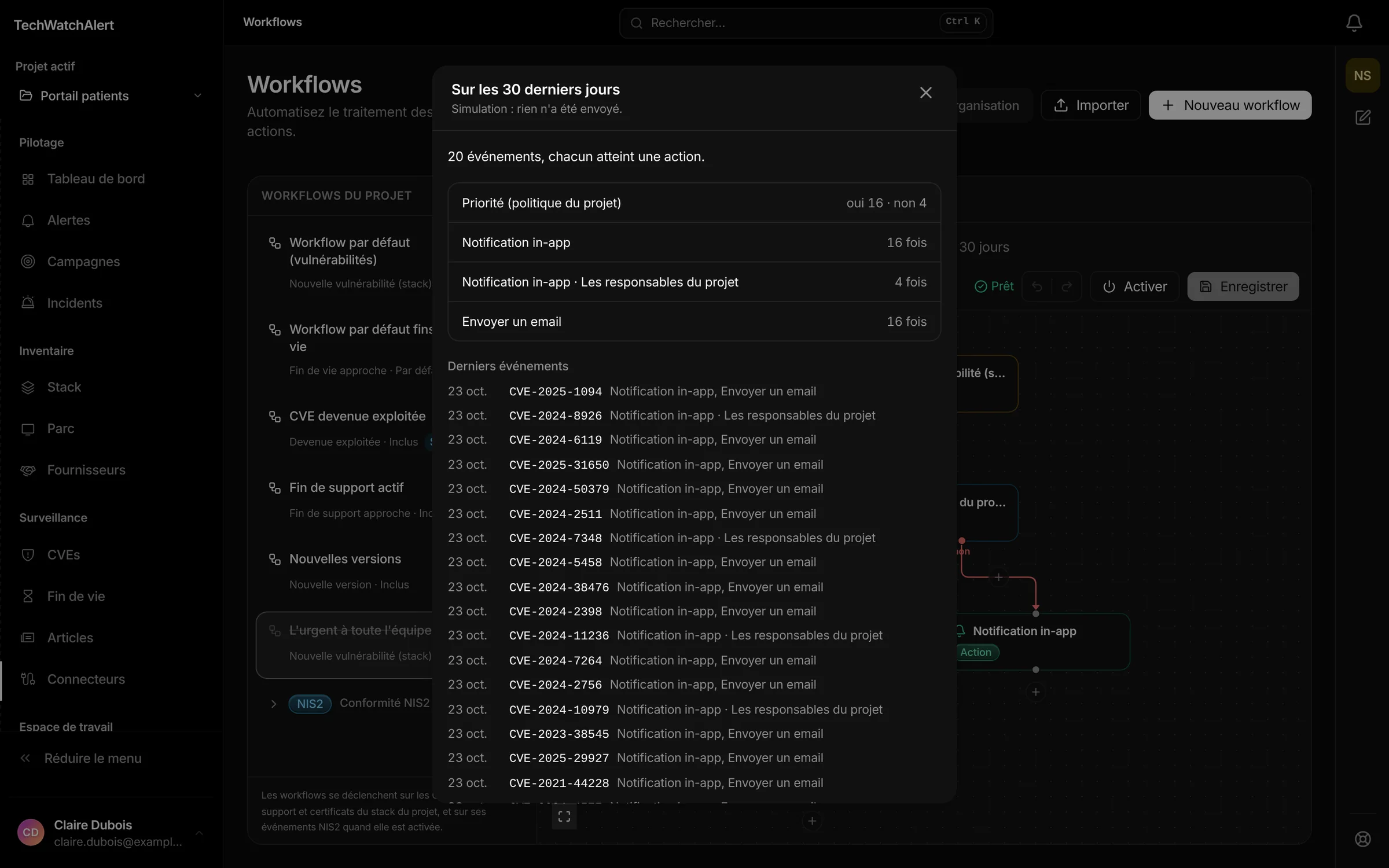
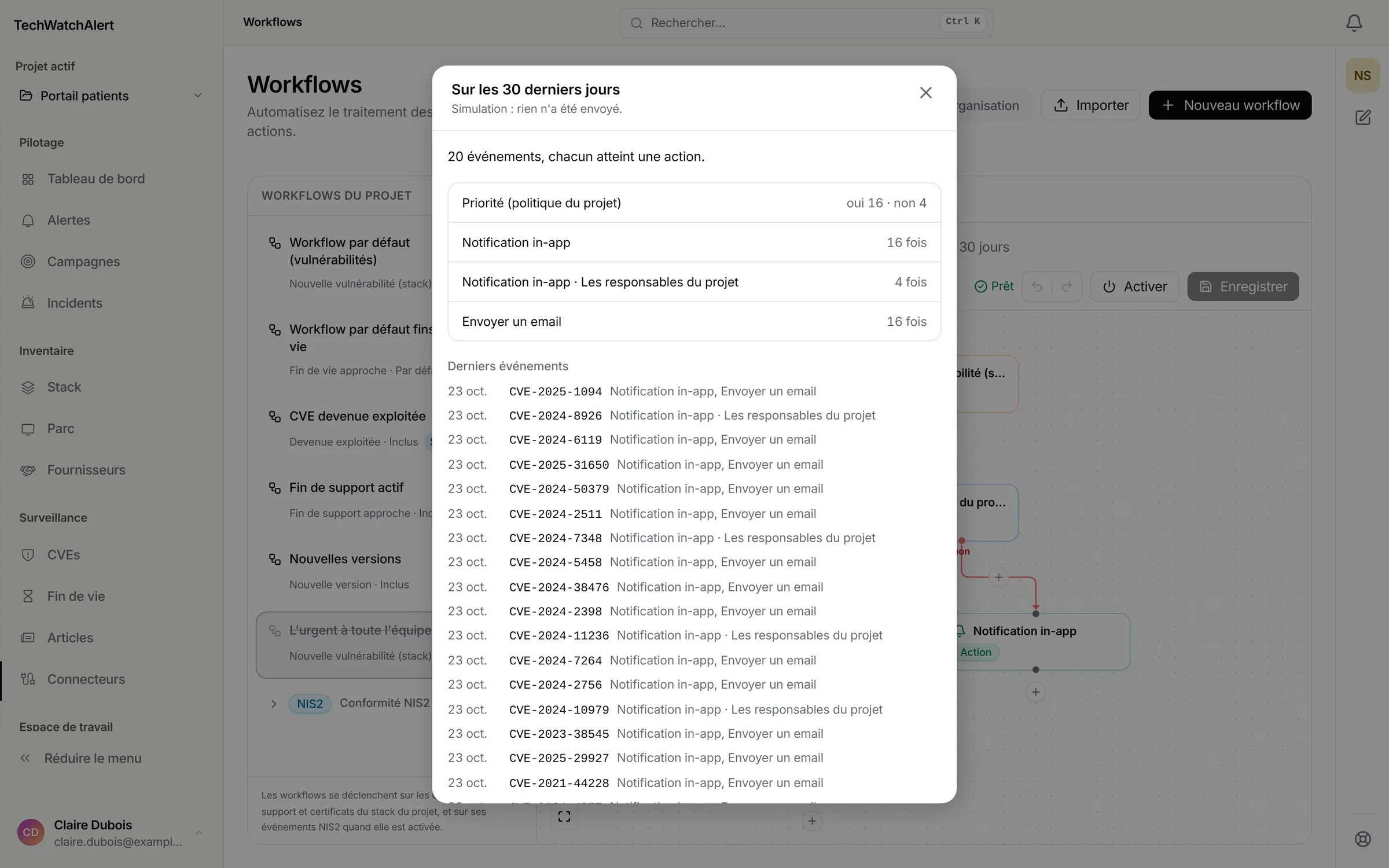
- Project workflows decide which alerts are sent (“Send an email” tile)
In the same family
SlackUrgent alerts in your Slack channel, the rest in a daily digest.View connector →Microsoft TeamsYour alerts as Adaptive Cards in Teams, with one-click triage.View connector →DiscordMonitoring alerts in your Discord channel, urgent ones live and the rest in a digest.View connector →Signed webhooks (JSON)Every alert and inventory change as HMAC-signed JSON, for your SIEM or scripts.View connector →

Connectors
Plug in your tools in minutes
Start with a repository, a fleet or a scan report: your first targeted alerts arrive with the first sync.
Free plan, no credit card · hosted in France